A café website needs to do two things above all: let people feel what it's like to sit at your place, and answer practical questions fast. Is it open now? What's on the menu? Can I come with ten people? People choosing a lunch spot often decide within a minute, usually on a phone.
A lunchroom or café is different from a restaurant. Guests walk in on the spur of the moment more often, the menu changes with the seasons and a large share of turnover can come from groups, afternoon tea, meetings or lunch for businesses. This article explains how your website can make the most of that.
What should a café or lunchroom website include?
- Opening hours that are correct, including public holidays and school holidays.
- The menu as plain text, with prices, not as a photo or PDF.
- Information about allergens and dietary needs, such as vegetarian, vegan or gluten-free.
- Photos that show the atmosphere of your place, your terrace and your dishes.
- Address, directions, parking and whether you're easy to reach with a wheelchair or pushchair.
- A button to book or call.
- What you offer for groups, such as afternoon tea, birthdays or business lunches.
A menu as a PDF is a common mistake. On a phone you have to zoom in, Google struggles to read the text and you have to make a new file every time a price changes. Put the menu as plain text on a page you edit yourself in a CMS. A CMS is a content management system where you change copy and prices without technical knowledge.
Showing atmosphere without slowing your site down
With a café or lunchroom, people choose a feeling. Light, plants, a lovely terrace, fresh cakes in the display. That's why good photos matter more than long texts.
- Have photos taken in daylight, at a quiet moment with a few guests in them.
- Photograph your most popular dishes from above and close up.
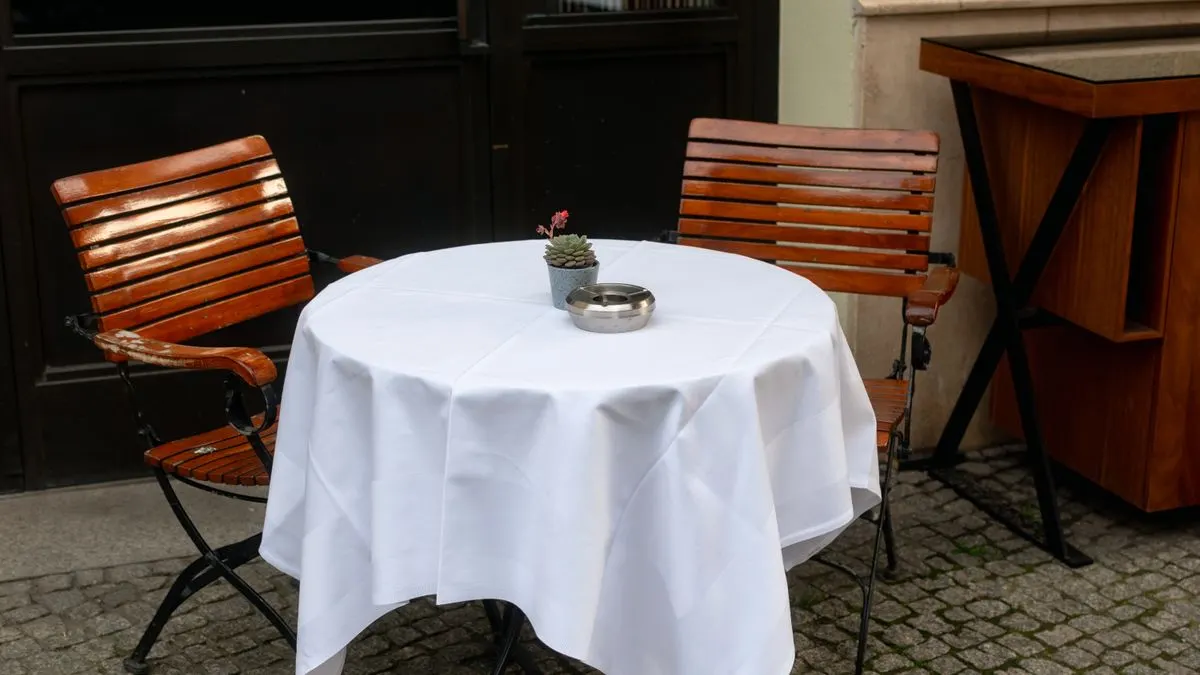
- Show the terrace if you have one. In summer it's a strong reason to come.
- Have photos resized automatically, so your site stays fast on a phone.
A video at the top of the homepage looks nice but often makes your site slower. Among other things, Google checks whether the largest image is visible within 2.5 seconds. Choose a few strong photos instead. You'll find more tips in our article on photos on your website.
Handling bookings, groups and afternoon tea online
Regular lunch guests often don't need to book. But groups, afternoon tea or a weekend brunch do. That's exactly where a lot of turnover is. The easier you make it, the more often people do it.
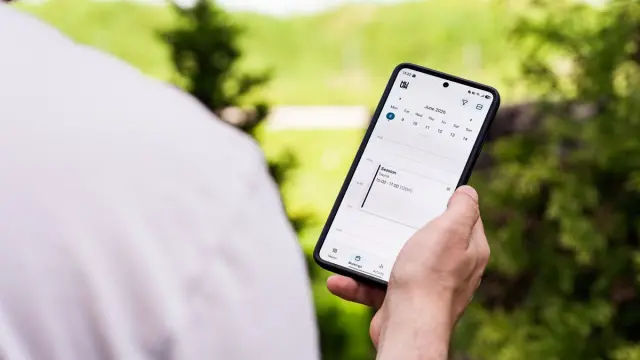
- Let guests choose a time and number of people themselves in an online calendar.
- For afternoon tea or a group package, show the menu and price per person straight away.
- Ask about dietary needs and allergies in the form.
- Send a confirmation and a reminder automatically.
- For large groups, consider asking for a deposit, so no-shows cost you less.
A standard booking tool is often enough for tables. If you have packages with choices, deposits and fixed time slots, a custom system can pay off more. Read about it in our article on an online booking system.
Office lunches: an extra source of turnover
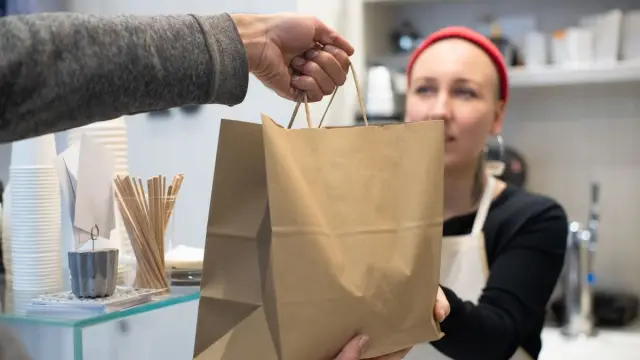
Many lunchrooms also cater lunches for nearby businesses. Think of sandwich platters for a meeting or a regular lunch on Fridays. Those orders now often come in by email or phone, with lots of back and forth.
A simple ordering module on your website can make that much easier. With it, a business chooses for itself:
- What and how much: sandwiches, salads, soup, drinks.
- Date and time of delivery or collection.
- The delivery address and a contact person.
- Payment online or by invoice, for regular business customers.
You get a clear list per day, without retyping anything. This is where a website turns into a small web application: software that runs in the browser. Read what such an ordering system looks like in our article on an online ordering system for a restaurant. A real example is Apple Mix Fried Chicken in Den Helder. For them we built their own ordering platform with a menu in 18 categories, diet and allergy labels, a basket with delivery costs and a minimum order, and a live 'open now' notice.
Getting your café found in the neighbourhood
People search for 'lunchroom', 'coffee' or 'breakfast' plus their city or neighbourhood. Google then often shows a map first. You mainly appear there with a strong Google Business Profile.
- Always keep your opening hours the same in your profile and on your site.
- Post new photos of dishes and your place regularly.
- Reply to reviews, including critical ones, calmly and kindly.
- Put your menu as text on your site, so Google sees what you serve.
- Mention features people search for, such as a terrace, dog-friendly or child-friendly.
Read more about this in our guide to your Google Business Profile.
Common mistakes on café and lunchroom websites
- Opening hours on the site that don't match the ones on Google. Guests then find the door closed.
- Last season's menu, with dishes you no longer serve.
- Only a link to Instagram, without a menu, address or hours.
- No allergen information, even though many guests look for exactly that.
- A booking button that only opens an email address.
- A site that looks great on a laptop but is awkward on a phone.
A fixed habit helps: check your site and your Google profile every time the menu changes and around every public holiday. It takes ten minutes and prevents disappointed guests.
A café website or ordering system with Violexa
At Violexa a website or custom web application starts from €1,799 excl. VAT (€2,177 incl. VAT) per project. That includes design, build, a design that works on every screen, basic SEO, Google Analytics, a CMS and training. If you want an ordering module for office lunches or a booking system for packages, you get a fixed price upfront, in writing. We work from Amsterdam for businesses across the Netherlands.
Curious what your lunchroom or café needs? Request a free quickscan. In 30 minutes, online or on site, we look at your situation together. Afterwards you get short written advice with a price indication, with no obligation.
Frequently asked questions
How much does a café or lunchroom website cost?
At Violexa a custom website starts from €1,799 excl. VAT (€2,177 incl. VAT). Extra features such as online ordering or bookings with a deposit cost more. For those you get a fixed price upfront.
Should a café menu go on the website as a PDF?
Preferably not. A PDF is hard to read on a phone and Google finds the content harder to read. Put the menu as plain text on a page you can edit yourself.
Can businesses order lunch from my lunchroom online?
Yes, with an ordering module on your website. Businesses then choose what, how much and when, and you get an overview per day. Payment can be online or by invoice.