Web application development pays off when your business has a task that standard software does not handle well. Think of a customer portal, a booking system, an ordering platform or a planning tool. A web application runs in the browser, so you use it on any computer, tablet and phone without installing anything.
In this article you will learn what a web application is exactly, how the process works, what you need to sort out up front and roughly what it costs. That way you go into the conversation with a developer well prepared.
What is a web application?
A website mainly shows information. A web application lets users do something: log in, enter data, order, plan, calculate. There is logic behind it and usually a database that stores data. Gmail, online banking and accounting software in the browser are all web applications.
The line is not always sharp. A website with an extensive ordering module is really already a web application. What counts is not the label but the question: do users need to be able to do something, and does data need to be stored and processed? Then you are talking about a web application.
When is having a web application built the right step?
Custom software is not always needed. Sometimes an existing package is good enough. Having a web application built is often the better choice if:
- you work with spreadsheets that keep getting bigger and more error-prone;
- you retype data by hand between systems;
- standard packages never quite fit and you have to work around them;
- your customers want to arrange things themselves, such as an appointment, order or overview;
- the way you work sets you apart and you do not want to give that up for a standard package;
- you pay per user per month for a package you only use a small part of.
Torn between building and buying? Read custom software or an off-the-shelf package. It sets out the pros and cons side by side.
Examples of web applications for SMEs
A few examples of what businesses often have built:
- A customer portal where customers see their details, documents or progress.
- An online booking or appointment system that fits the way you work.
- An ordering platform with your own menu, delivery costs and minimum order value.
- A quoting tool that calculates prices automatically.
- A planning system for technicians, drivers or staff.
- An internal dashboard with figures from different sources.
Two examples from our own work: for Apple Mix Fried Chicken in Den Helder we built their own online ordering platform, with a menu in 18 categories, labels for diets and allergies, a basket with delivery costs and a minimum order, and a live notice showing whether the restaurant is open. Rijschool Benz has a student portal alongside its website. You can see them in our work.
How the process works: from idea to launch
A good process usually has these steps:
- Introduction: what is the problem, who will use it and what should it deliver?
- Requirements and functional design: which screens and features are needed, and which are not? Read how to approach that in writing a functional design.
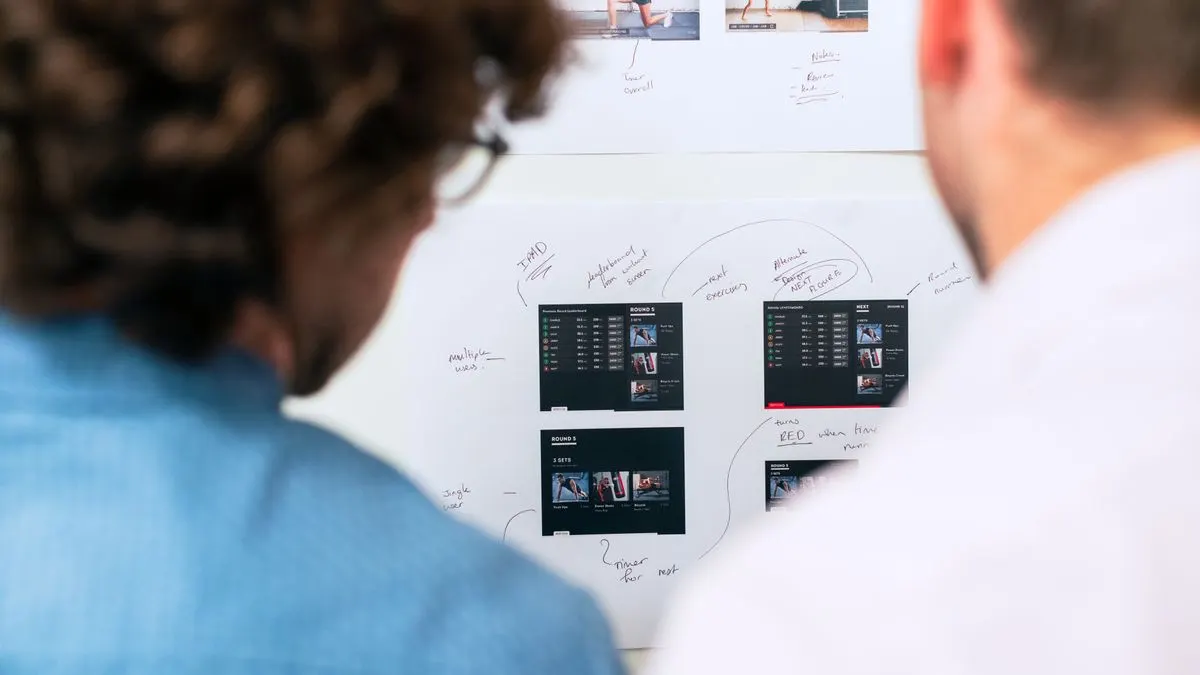
- Design: sketches and then detailed screens. You see what it looks like before any code is written.
- Building in stages: a working version every few weeks that you can test.
- Testing with real users and real data.
- Launch: moving data over, explaining it to users.
- Maintenance and further development: updates, security and new features.
Start small. First build the core that solves the biggest problem. Once that works and is being used, add the rest. That way you see results sooner and do not pay for features nobody ends up using.
What can you prepare yourself? More than you think. Write down how the process runs now, step by step, and where it gets stuck. Gather examples of the forms, spreadsheets and emails you use now. Think about who will use the system and what each group needs to see or do. And decide what the first version must at least be able to do to be valuable. With that information a developer can make a good estimate much faster.
How much does web application development cost?
The cost depends on the number of screens, user roles, integrations with other systems and the security requirements. A simple tool is much cheaper than a platform with payments, several roles and integrations with your accounting.
At Violexa, a custom web application starts from €1,799 excl. VAT (€2,177 incl. VAT) per project. Larger projects get a fixed price in writing up front, so you do not face surprises. On top of that, allow for hosting and maintenance. A detailed explanation is in how much a web application costs.
When looking at costs, also look at what it delivers. If a staff member loses hours every week retyping, or customers drop out because they cannot arrange things themselves, a good web application often pays for itself. Do that calculation up front, then you also know how much it makes sense to invest.
What to look for when choosing a developer
- Does the developer understand your business, or only talk about technology?
- Do you get a fixed price, or an estimate in hours that can overrun?
- Who owns the code and the data?
- How is security handled, and how is personal data dealt with under the GDPR (AVG in Dutch)?
- What happens after delivery: who does updates and what does that cost?
- Can you see previous projects that are actually in use?
Common mistakes with custom software
- Wanting too much in the first version, so it takes long and gets expensive.
- Not involving the real users. What the director thinks is needed is not always what the staff member needs.
- No clear list of requirements, so quotes cannot be compared.
- Forgetting maintenance. Software that is not kept up to date becomes slow and insecure.
- Underestimating data migration. Cleaning up old spreadsheets often takes more time than expected.
Having a web application built by Violexa
Violexa is a web and software studio, with Hisham as founder and point of contact, based in Amsterdam. We work for businesses across the Netherlands. We build web applications in stages, with a fixed price up front and clear agreements on maintenance. After delivery you can choose a maintenance plan: Silver €179 excl. VAT (€217 incl. VAT), Gold €299 excl. VAT (€362 incl. VAT) or Platinum €699 excl. VAT (€846 incl. VAT) per month. Read more under web applications and software.
Do you have an idea or a process that could work better? Book the free quickscan: 30 minutes, online or on site. Afterwards you get short written advice with a price estimate, with no obligation.
Frequently asked questions
How long does it take to build a web application?
That depends on the size. A simple first version can be ready within a few weeks, a larger platform usually takes a few months. By building in stages, you can often start using part of it sooner.
How much does web application development cost?
At Violexa, a custom web application starts from €1,799 excl. VAT (€2,177 incl. VAT). The final price depends on the number of features, roles and integrations. Larger projects get a fixed price up front.
What is the difference between a web application and an app?
A web application runs in the browser and works on any device without installation. An app is installed through the App Store or Google Play. For many business uses, a web application is enough and cheaper to maintain.
Do I own the code of my web application?
That depends on your agreements with your developer. Always put this in writing up front in the quote or contract, along with agreements about hosting and your data.