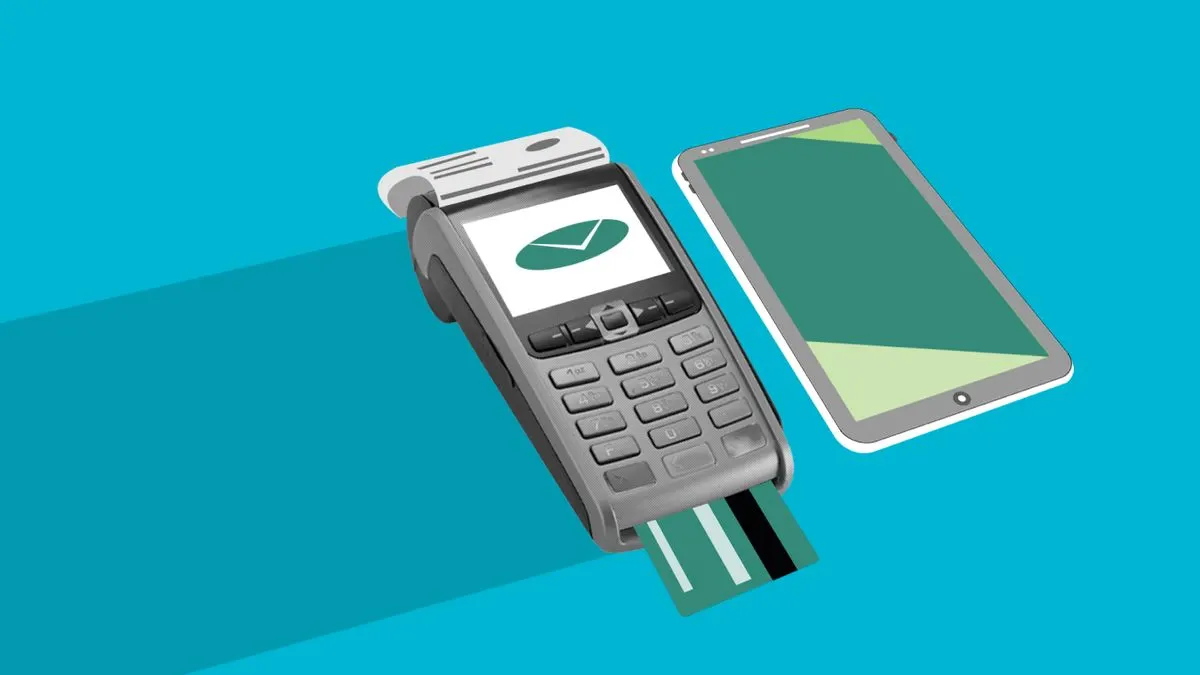

Online payment integration means customers can pay directly on your website or in your web application, for example with iDEAL, credit card or Bancontact. You almost always set this up through a payment provider such as Mollie. The provider processes the payment, takes care of security and puts the money in your account. You connect your site or system to that provider.
In this article you'll learn how such an integration works, the ways you can add payments, where the costs are and which mistakes you'd better avoid. This is about payments on websites and web applications. Paying in a mobile app sometimes comes with different rules, see payments in an app.
How does an online payment work?
An online payment usually involves four parties: your website, the customer, the payment provider and the customer's bank or card company. It goes like this:
- The customer chooses something and clicks pay.
- Your website creates a payment with the payment provider and sends the customer to the payment screen.
- The customer chooses a payment method, for example iDEAL, and completes the payment in their banking app.
- The payment provider tells your website whether the payment succeeded. That message is called a webhook.
- Your website processes the order, booking or sign-up and sends a confirmation.
- After a short period, the payment provider transfers the money to your business account.
A payment provider is also called a payment service provider or PSP. Mollie is a well-known one in the Netherlands, but there are others. The principle is the same for all of them.
Which payment methods do you need?
In the Netherlands, iDEAL is the standard for many customers. But which other methods you offer depends on your customers:
- iDEAL: the first choice for most Dutch consumers.
- Credit and debit cards: important for international customers and business buyers.
- Bancontact: handy if you have customers in Belgium.
- Buy now, pay later: can help with larger amounts, but often costs more.
- Apple Pay and Google Pay: fast checkout on a phone.
- SEPA Direct Debit: for recurring payments such as subscriptions or membership fees.
- Bank transfer or payment link: for invoices and business customers.
Start with the methods your customers actually use. Every extra method is another choice on the payment screen, and too much choice can distract customers.
Online payment integration: three ways
How you add payments depends on what kind of website or system you have:
- Payment links: you create a link in the payment provider's dashboard and send it by email or WhatsApp. No technical work needed, ideal for one-off invoices or deposits.
- Plugin or ready-made module: for webshops on well-known platforms such as WooCommerce or Shopify, there are often official integrations. Install, configure and you're done.
- Integration via the API: with a custom website or web application, you connect directly to the payment provider's API. An API is a digital connection between two systems. This gives you the most freedom, for example for bookings, subscriptions or your own ordering process.
An API integration takes more work, but you decide what the payment process looks like and what happens after a payment. Read more about how such an integration works in having an API integration built.
Recurring payments and subscriptions
If you sell subscriptions, memberships or maintenance contracts, you don't want to request a new payment every month. Many payment providers offer recurring payments. The customer pays the first time, for example with iDEAL, and in doing so gives permission for automatic direct debit or card charges. After that, it runs by itself.
Do set up in your system what happens if a payment fails: a reminder, a retry or temporarily pausing access. This comes up with a members' portal or a SaaS platform, for example.
How much does online payment integration cost?
There are two kinds of costs. First, the payment provider's transaction fees. You usually pay a fixed amount or a percentage per payment, depending on the payment method. iDEAL is often cheaper than credit card or buy now, pay later. This is a guide only: rates change, so check the current price on the provider's website.
Second, the one-off cost of the integration. A payment link costs nothing extra. A plugin is usually set up quickly. A custom integration takes more work, especially if bookings, stock, invoices or subscriptions are tied to it.
You can save by looking at which methods your customers really use. An expensive method that hardly anyone picks can be switched off. And for large business amounts, an invoice with a payment link or bank transfer is often cheaper than a card payment.
Security and rules for online payments
The good news: with a payment provider, card details never touch your own server. The provider handles security, the two-step check with the bank and the requirements for card payments. So never store card details yourself.
- Never rely only on the customer returning to your site. Only process an order once the provider's webhook confirms the payment.
- Use https across your whole website.
- Keep the API keys safe and never visible in your website's code.
- Test everything first in the provider's test mode, including failed and cancelled payments.
- Make sure refunds are properly handled, both in your system and in your accounts.
- State in your privacy policy that payments go through a third-party provider.
Common mistakes with payment integrations
- No clear message when a payment fails, so customers don't know whether they need to pay again.
- Processing orders twice because the webhook arrives more than once.
- Not testing the payment screen on mobile, while many customers check out there.
- Not connecting payments to your accounting, so you have to reconcile everything by hand. See also connecting your accounting.
- Only offering iDEAL while some of your customers are from abroad.
Online payment integration by Violexa
At Violexa we connect payments to custom web applications and websites. For Apple Mix Fried Chicken in Den Helder, for example, we built a custom online ordering platform with a basket, delivery charges and a minimum order. See it in our work. Custom web applications and websites start at €1,799 excl. VAT (€2,177 incl. VAT). For larger projects you get a fixed price upfront, in writing.
Want to integrate online payments and find out which approach suits your business? Book a free quickscan. In 30 minutes, online or on site, we discuss what you need. Afterwards you get short written advice with a price indication, with no obligation.
Frequently asked questions
How do I add iDEAL to my website?
Through a payment provider such as Mollie. You create an account, have your business verified and connect your website via a plugin or the API. After that, customers can pay with iDEAL on your site.
What does Mollie charge per transaction?
It differs per payment method. You usually pay a fixed amount or a percentage per payment. Rates change, so check Mollie's website for current prices.
Can I integrate online payments without a webshop?
Yes. With payment links you send a payment request by email or WhatsApp, without a webshop. Booking systems, customer portals and members' portals can also take payments through an integration with a payment provider.
How quickly is the money in my account?
That depends on the payment provider and the payment method. The money is usually paid out after a few working days. With some providers you can set how often payouts happen.