
A good beauty salon website does three things: it shows at a glance what you do, it's honest about what it costs and it makes booking as easy as possible. That's all it needs. But each of those three things has to be right, on a phone just as much as on a laptop.
This article covers which pages you need, how to set up online booking, how to get found in your own neighbourhood and which mistakes we often see on salon websites. You can use it as a checklist, whether you run a nail studio, a brow studio or a full beauty salon.
What should a beauty salon website include?
A client visiting your site usually wants quick answers to a few questions. Can I come here for this treatment? What does it cost? When is there a slot? Where is the salon? Build your site around those questions.
- A clear homepage with your main treatments and a booking button that's always visible.
- A page for each treatment or group of treatments, with an explanation, duration and price.
- A full price list, so nobody has to call for a price.
- A page about you and how you work: who does the treatments, and how does an appointment go?
- Real client reviews.
- Contact details, address, opening hours and a map or directions.
- Practical information: cancelling, payment, aftercare.
Keep the copy short and concrete. A client wants to know what happens during a treatment and how long the result lasts. People already read general phrases about 'pampering' and 'relaxation' on every other site. You'll find more writing tips in our article on writing website copy.
Calm and style: designing your salon website
People choose a salon largely on feeling. Your website is often the first thing they see of you, so the atmosphere should match what they experience in the salon. That usually means plenty of white space, calm colours, good photos of your own and few busy elements.
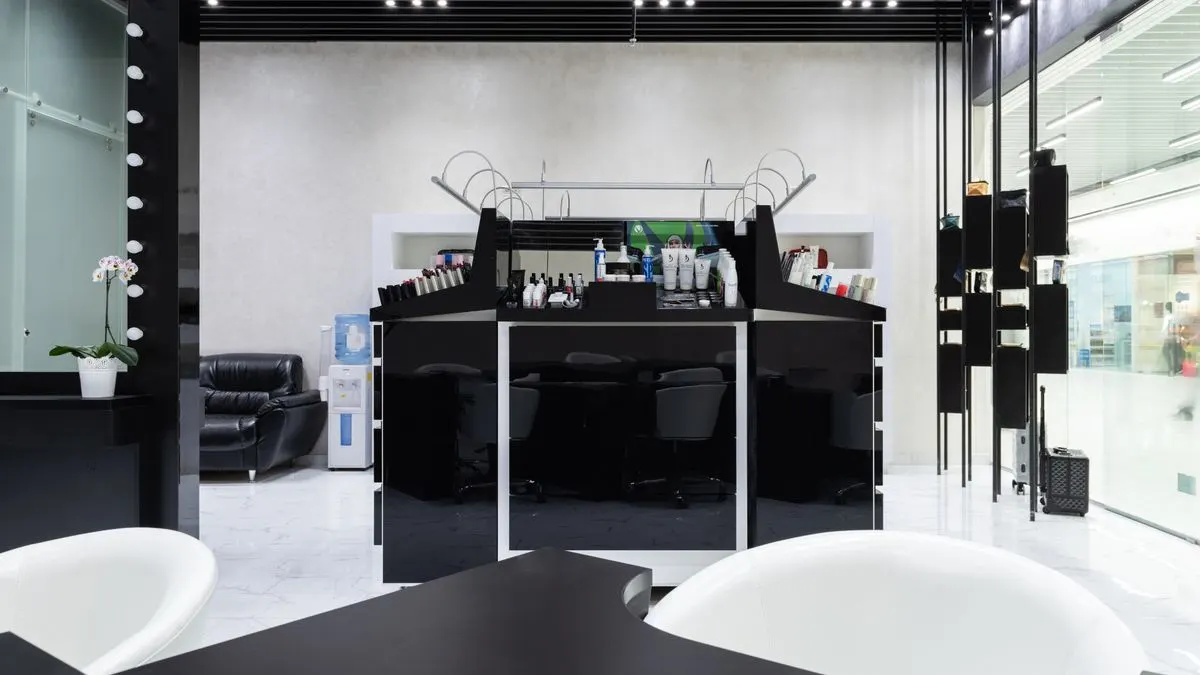
Ideally use real photos of your salon, your treatment room and your work. Stock photos of models who have nothing to do with your salon inspire less trust. Before-and-after photos can work well, but always ask the client's permission and keep a record of it.
Pay attention to readability too. Thin, light lettering on a beige background looks nice, but is hard to read on a phone in the sun. Make sure there's enough contrast. The European Accessibility Act has applied since 28 June 2025, and quite apart from that, a site that's easy to read is simply nicer for everyone.
Online booking: connect a tool or have one built?
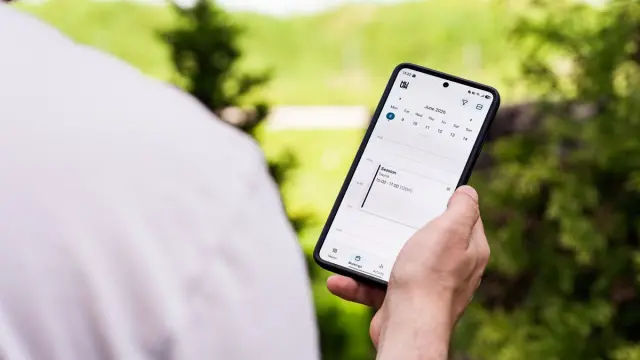
For many salons, online booking is the website's most important feature. Clients want to book an appointment from the sofa in the evening, without calling. There are roughly two routes.
- Connecting an existing booking system. There are lots of packages for salons with a calendar, reminders and sometimes deposits. You add a booking button to your site that links to that system, or you load the calendar inside your site. Quick and affordable, but you're tied to how that package works.
- A custom booking module. Useful if you have special requirements, such as treatments with several steps, multiple locations or your own client area. More expensive, but it fits exactly how you work.
For most salons, connecting a tool is enough. Choose a package that lets clients book without an account, sends reminders by email or text and lets you set cancellation rules. Not sure? Read our article on an online booking system.
Whatever you choose, put the booking button in the same place everywhere, at the top and under every treatment. Someone who has made up their mind shouldn't have to search.
Your price list: complete and clear
The price list is often the most visited page of a salon website. Yet we still regularly see 'price on request' or a photo of a printed price list. Both work badly. A photo can't be read on a phone, can't be searched and Google can't do anything with it.
- Put prices as plain text on the page, grouped by type of treatment.
- State the duration of each treatment.
- Make clear what's included, for example a consultation or aftercare.
- If you use 'from' prices, explain what the difference depends on.
- Keep the list up to date. An old price on your site causes awkward moments at the desk.
Getting your beauty salon found on Google
Most clients come from your own town or region. They search for terms like 'eyebrow shaping' with the name of their town, or 'beauty salon near me'. That's where you want to show up.
- Create a Google Business Profile and fill it in completely, with photos, opening hours and treatments.
- Mention your town and the nearby neighbourhoods or villages naturally in your copy.
- Give every important treatment its own page with a clear title.
- Ask happy clients for a Google review and show those reviews on your site too.
- Make sure your site loads fast on a phone.
This is called local SEO: making sure people in your own area find you. It takes some time to build up, but it often brings in clients for the long term without paying per click.
Common mistakes on a salon website
- Only an Instagram page and no website of your own. Instagram is great for inspiration, but you don't decide who sees your posts and Google barely finds you through it.
- A booking button that leads to a page with just a phone number.
- Heavy videos or large photos that make the site slow on mobile.
- No information about cancellations or no-shows, which leads to disagreements later.
- A contact form nobody reads. Reply within a day, or the client books somewhere else.
- A site that looks good on a laptop but is messy on a phone. Most salon clients browse on mobile.
How much does a beauty salon website cost?
That depends on what you need. A simple site with a few pages and a connected booking system is different from a site with its own booking module and client area. Besides the build, look at the running costs: hosting, maintenance, your booking system subscription and possibly online marketing.
At Violexa a custom website starts from €1,799 excl. VAT (€2,177 incl. VAT) per project. That includes the design, the build, a design that works on every screen, basic SEO, Google Analytics, a CMS so you can update copy and prices yourself, and a walkthrough of how it works. You'll find all the packages side by side on our pricing page.
How Violexa approaches a salon website
You can see examples of our projects on our work page.
We work from Amsterdam, but build for salons across the Netherlands. Read more about how we work under websites and apps.
Want to know what your salon needs? Book a free quickscan. It's a 30-minute conversation, online or at your salon. Afterwards you get short written advice with a price indication, with no obligation.
Frequently asked questions
Does a beauty salon really need its own website?
Usually, yes. Social media is handy for inspiration, but on your own website you decide what clients see, and you can bring prices, treatments and booking together clearly. Google also finds you much more easily through your own site.
How much does it cost to have a beauty salon website built?
That depends on the number of pages and features, such as online booking. At Violexa a custom website starts from €1,799 excl. VAT (€2,177 incl. VAT). On top of that, allow for running costs for hosting, maintenance and your booking system.
Can clients book online through my salon website?
Yes. You can connect an existing salon booking system or have a custom booking module built. For most salons connecting one is enough, as long as clients can book quickly and without an account.
Should I put my prices on the website?
Yes, we recommend it. Clients often compare salons before they book, and a clear price list removes doubt. Put the prices on the site as plain text, not as a photo.