
Owning your website means the domain is in your name, you hold the rights to the code, design and text, and you have your own access to hosting and admin. If any of those three isn't sorted, you depend on your web developer, even if you've paid every invoice.
Many business owners only notice when they want to switch or when their developer stops. In this article you'll learn what exactly you should own, how to check where you stand now and what to put in writing for a new project.
What does owning your website mean?
A website is made up of a few separate parts. Each part can have a different owner:
- The domain: your address, such as yourcompany.nl. You register it with a registrar (a company that issues domain names on behalf of, for example, SIDN for .nl).
- The hosting: the server the site runs on, with an account at a hosting company.
- The code: the software that makes the site work, including any custom parts.
- The design: the look and feel, logo, icons and images.
- The content: text, photos and videos.
- The data: form submissions, customer accounts, orders and statistics.
For each of those parts you want to know who owns it and who can access it. It doesn't all have to sit with you, as long as it's clear and you can request it.
Domain name in your own name: the most important part
The domain is the part you least want to lose. Your email, your Google listings and your business cards all depend on it. Yet the domain is sometimes registered in the developer's name, because they once set it up quickly for you.
- Check who is registered as the holder with a WHOIS lookup at the registry. For .nl domains you check with SIDN.
- Not in your company's name? Ask the developer to change the holder. That's usually a simple request.
- Make sure you can request the transfer code (also called a token or authorisation code). You need it to move the domain to another provider.
- Keep track of when the domain needs renewing yourself, so it doesn't lapse by accident.
Read more about choosing and registering one in choosing a domain name.
Who owns the code and the design?
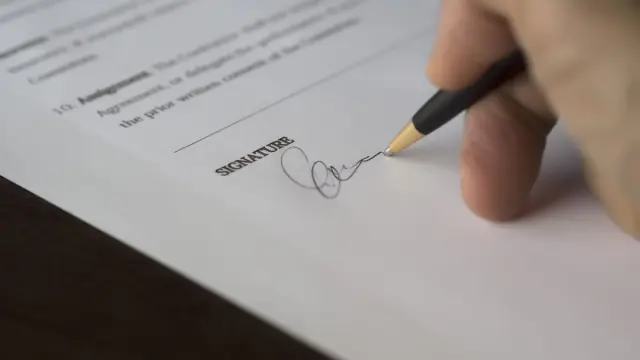
This is the trickiest part. In the Netherlands, copyright in code and design in principle belongs to whoever creates it, unless you agree otherwise. So paying for a website doesn't automatically mean the rights pass to you. What exactly applies depends on your contract. If in doubt, a lawyer is the right person to assess it.
In practice you see three situations:
- Transfer: after payment, the rights to the custom work are transferred to you. This gives you the most freedom.
- Licence: the developer stays the owner, but you may use the site without limits. Check whether you're also allowed to have someone else change the code.
- Platform: the site runs on the developer's own system or a website builder subscription. If you stop, you often can't take the site with you.
Open-source parts, such as WordPress or a framework, fall under their own licence. You can usually use those freely. What matters is the custom work built on top. Read more in open source or licensed software.
Requesting access to hosting and admin
Even if everything is yours on paper, it's not much use without access. Make a list of all accounts and make sure you can get in, or that the details are stored safely for you:
- The domain registrar, with the transfer code.
- The hosting account or cloud environment.
- The admin environment (CMS) with your own admin account in your name.
- Where the code lives, such as a Git repository (an online folder with every version of the code).
- Google Analytics, Google Search Console and Google Business Profile, with you as the owner.
- External services such as an email provider, payment provider or form service.
Use a password manager to store this safely. Never share your main password; give your developer their own account that you can revoke later.
Vendor lock-in: signs you're stuck
Vendor lock-in means switching is so difficult or expensive that in practice you can't leave. Watch for these signs:
- You don't know which company your domain or hosting is with.
- You don't get a login, just the promise that your developer will handle it.
- The site runs on the developer's own system that nobody else knows.
- Your contract says nothing about ownership or about what happens when you stop.
- You pay for every small change, because you can't edit anything yourself.
If you see these signs, there's no need to panic. It is a reason to start the conversation and put agreements in writing. If you really want to switch, read moving your website to another agency.
What to put in writing for a new website
With a new project it's easy to get this right. Everyone is still enthusiastic and there's no conflict. So put these points straight into the quote or order confirmation:
- The domain is registered in your company's name.
- After payment you get the rights to the custom work, or a broad licence that also allows changes by third parties.
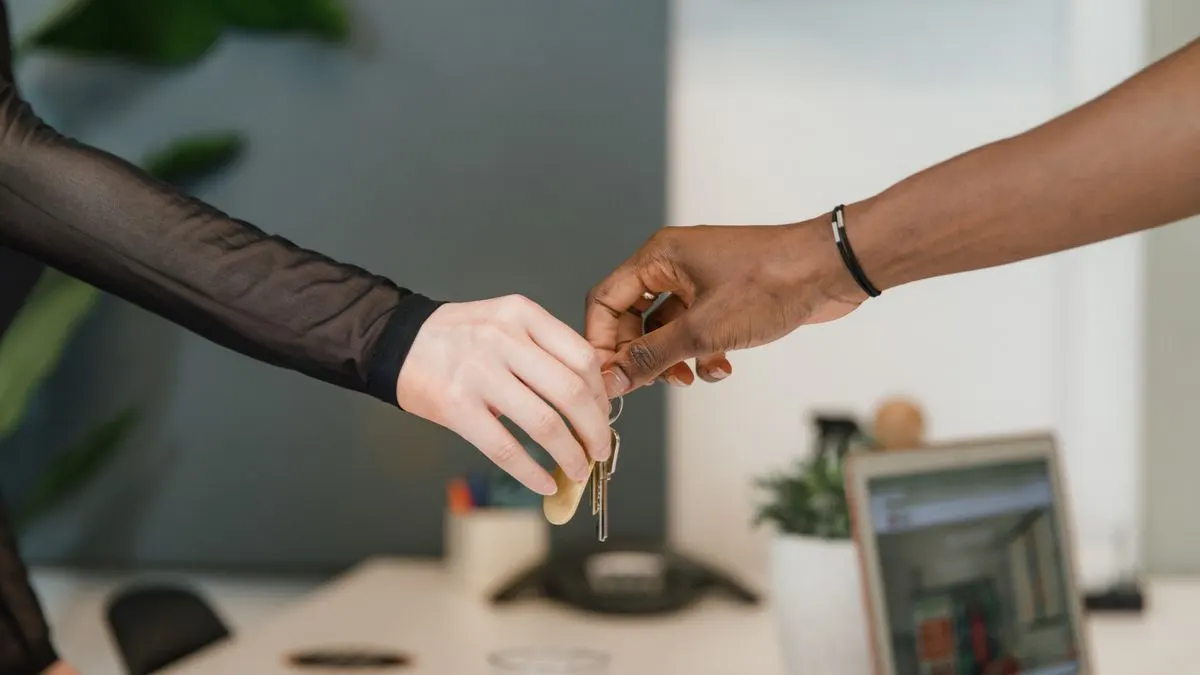
- At delivery you get all login details or your own account per service.
- You get the code as a download or access to the repository.
- When the collaboration ends, the developer helps with a clean handover, at a rate agreed in advance.
A good web developer sees these agreements as normal. If someone reacts defensively when you ask, that's useful information before you sign.
How we handle ownership at Violexa
At Violexa we believe you should be able to take your own website with you. For a custom website or app we agree up front how domain, hosting and access are arranged, and put it in writing. A custom website starts from €1,799 excl. VAT (€2,177 incl. VAT), and larger projects get a fixed price up front.
Want to know where your website stands now? In a free 30-minute quickscan, online or on site, we go through together what's in your name. Afterwards you get short written advice with a price indication, with no obligation.
Frequently asked questions
Who owns my website if an agency builds it?
That depends on your contract. Without agreements, copyright in code and design usually stays with the creator. So put in writing that the rights pass to you after payment, or that you get a broad licence. If in doubt, you can consult a lawyer.
How do I see whose name my domain is registered in?
Do a WHOIS lookup at the registry for your extension; for .nl that's SIDN. There you see the holder and the registrar. If the domain isn't in your company's name, ask your developer to change the holder.
Can my web developer refuse to give me the login details?
That depends on what you agreed. But it's a bad sign if you can't get access to your own domain or admin environment. Discuss it and put it in writing. In a dispute, legal advice is wise.
Can I take my website to another agency?
Usually yes, if you own the domain, have access to the hosting and code, and the site doesn't run on a closed platform belonging to your developer. With a closed platform, the site often has to be rebuilt.