Push notifications are a smart tool when you want to send customers a short message at the right moment that genuinely helps them: your order is on its way, your appointment is tomorrow, your invoice is ready. Use push mainly for advertising, and people switch notifications off or delete your app.
The difference lies in timing, relevance and how often you send. In this article you'll learn when push works, how to ask for permission and how to handle it properly under the GDPR (AVG in Dutch).
What exactly are push notifications?
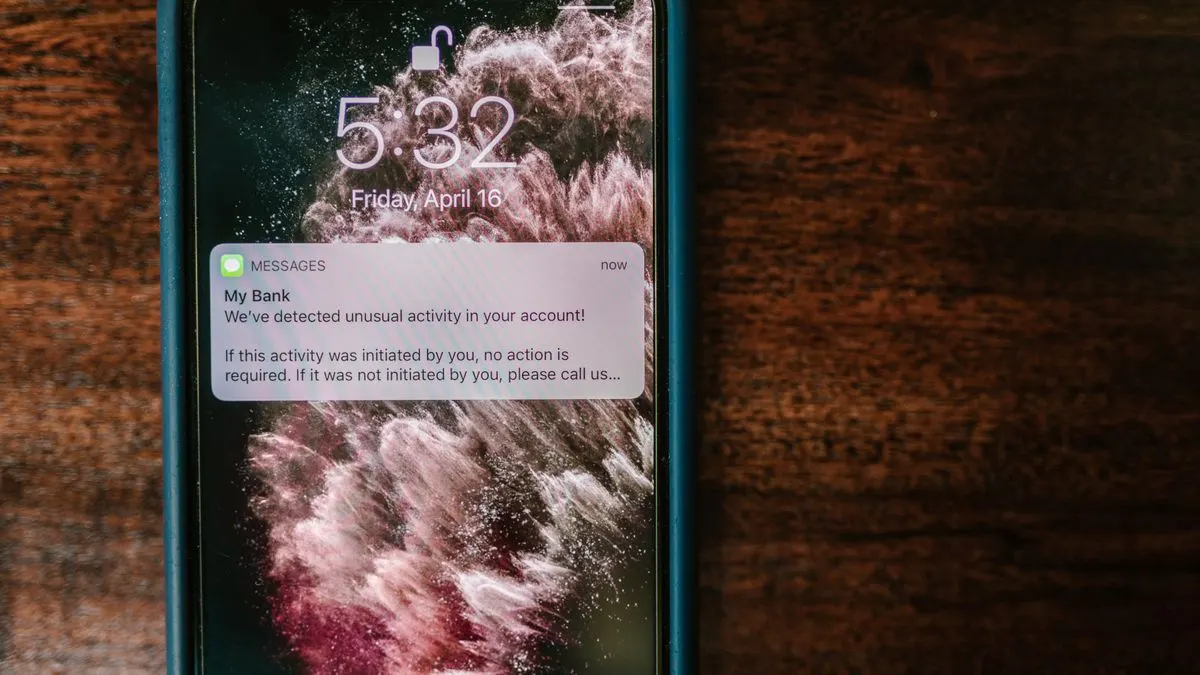
A push notification is a short message that appears on someone's phone or computer screen, even when your app or website isn't open. There are two kinds:
- App push: notifications from an app installed on the phone. This is the best-known form.
- Web push: notifications from a website or web app in the browser. This works in most browsers on Android and desktop. On an iPhone it only works if someone has added your web app to their home screen.
Not sure whether you need a real app or a web app with notifications? Our article on the progressive web app explains what a web app can and can't do on a phone.
When should you use push notifications?
Push works best when the message is time-sensitive and about the user themselves. Ask yourself one question for every notification: would the recipient miss this if I didn't send it? If yes, push is a good choice.
For general information, a newsletter or a long story, email is a better fit. Read our article on email marketing for that.
Push is less suitable in these situations:
- You don't have your own app or web app that people already use. Without an install or permission, you can't send notifications.
- Your message is long or needs a lot of explanation.
- You want to send the same promotion to everyone, regardless of what they do with you.
- You don't yet have a clear plan for who gets which notification.
A good rule of thumb: start with notifications that improve your service, such as status updates and reminders. If that works well and few people switch notifications off, you can carefully add the occasional offer or tip. That way you build trust before you ask for anything.
Examples of good push notifications
- Restaurant or delivery: "Your order is on its way. Expect it in 15 minutes."
- Driving school: "Your lesson tomorrow at 10:00 has moved to 11:00."
- Salon or practice: "Reminder: your appointment is tomorrow at 14:30. Can't make it? Reschedule here."
- Repair or service: "The engineer is on the way and will be with you around 13:00."
- Online shop: "The product on your wishlist is back in stock."
- Business app: "A new quote is ready for you to sign."
See the pattern? Every notification is short, personal and has a clear next step. Make the text personal where you can, with the customer's name or the product. A generic message like "There's news" says nothing and is quickly ignored.
How to use push notifications: seven rules of thumb
- Only send what helps the recipient. The odd promotion is fine, but not as the main thing.
- Keep it short. On a lock screen you only see a few words.
- Put the most important part first: what happened and what do I need to do?
- Mind the time. Nobody wants an offer at 23:00.
- Make the notification lead to the right place in your app, not the home screen.
- Let people choose which types of notifications they want, for example order updates but no promotions.
- Start slowly. Better too few notifications than too many.
Asking permission for push notifications
On an iPhone, your app always has to ask permission before it can send notifications. The same goes for newer Android versions. For web push, the browser always asks too. You usually get just one chance: if someone says no, they have to switch it on themselves later in their settings.
So don't ask the moment the app opens. Wait until the user understands why notifications are useful. A good approach:
- First show your own short screen with an explanation, for example: "Want a heads-up when your order is on its way?"
- Only then show the official system prompt.
- Ask at a logical moment, such as right after a first order or appointment.
Push notifications and the GDPR
For notifications that are part of your service, such as an order status, you usually have a clear reason to send them. Marketing messages are stricter: you only send those if someone has opted in. Explain in your privacy statement which notifications you send, what data you use for them and how someone can turn them off.
Push works with a unique token per device. Store it securely and don't link more data to it than you need. If you have legal questions, ask a lawyer or check with the Dutch Data Protection Authority (Autoriteit Persoonsgegevens).
Measuring whether your push notifications work
Don't just look at how many notifications you send, but at what they achieve. Pay particular attention to these points:
- How many people tap a notification?
- How many people switch notifications off after a particular message?
- Do people delete the app more often after a campaign?
- Does the notification lead to the action you wanted, such as an order or a confirmed appointment?
If opt-outs go up, you're sending too often or sending the wrong messages. Test small changes, such as a different time or shorter text.
Getting push notifications built into your app or web app
At Violexa we build apps and web apps with notifications that fit your process. Think of a heads-up when an order is ready, an appointment reminder or an alert for your staff. We handle the technology, the permission prompt and the settings that let users choose what they receive. Read more under websites and apps or in our article on app development.
A custom app or web application starts from €1,799 excl. VAT (€2,177 incl. VAT). Larger projects get a fixed price in writing up front.
Want to know whether push notifications would pay off for your business? Book a free quickscan. It's a 30-minute conversation, online or on site, followed by short written advice and a price indication. No strings attached.
Frequently asked questions
How often can you send push notifications?
There's no fixed rule. Only send when the notification is useful to the recipient. If you see people switching notifications off or deleting your app, you're sending too often.
Do web push notifications work on an iPhone?
Yes, but only if someone has added your web app to their home screen and gives permission. Web push doesn't work in the regular browser on an iPhone. On Android and desktop it works in most browsers.
When should you use push notifications and when not?
Use them when the message is time-sensitive and personal, like an order status or an appointment reminder. For long stories or general promotions, email is usually a better fit.
Do you need permission for push messages?
Technically, the phone or browser always asks for permission. For marketing messages, someone must also have deliberately opted in. For legal advice, talk to a lawyer or the Dutch Data Protection Authority (Autoriteit Persoonsgegevens).