To develop an app idea means turning your hunch into a concrete plan: which problem you solve, for whom, with which features, and how you know people want it. Only once that's clear do you start building. That way you avoid spending months and a lot of money on something nobody uses.
You don't need to be technical for this. With pen, paper and a few conversations you'll get a long way. Below you'll find five steps to tackle it.
Why you should develop your app idea first
Many apps don't fail because of bad code, but because of an unclear plan. New wishes keep popping up during the build, the price goes up and the app turns into a collection of loose features. A well-developed idea gives your developer a clear brief. That gets you a better price and a shorter build time.
It's useful for you too. While working it out, you often find that part of your idea isn't needed, or that a website or web app would do the job. That saves money.
Step 1: describe the problem and your user
Don't start with screens or features, start with the problem. Write down in one or two sentences who has the problem and what it costs them. For example: "Driving school students keep phoning to check their lesson times. That costs the owner time every day."
If you can't explain the problem briefly, your idea is still too vague. Keep cutting until one clear problem is left.
Who is going to use the app? A customer, an employee, a mechanic on the road? Describe that person as concretely as possible: when do they pick up their phone, and what do they want done in a few taps?
Then search the App Store and Google Play for apps that do something similar. Read the bad reviews in particular. They tell you exactly what users are missing. If a good solution already exists, that's not a disaster. It proves there's demand. You just need to know how you're different or better.
Step 2: choose your app's core features
Make a list of everything the app could do. Then split that list into three groups.
- Must have: without this feature, the app doesn't solve the problem.
- Nice to have: makes the app better, but can wait.
- Maybe later: ideas for when the app is a success.
Build only the "must have" group first. That's called an MVP, a first version with just enough features to test whether it works. Read more in our article on having an MVP built.
Step 3: make sketches and a simple wireframe
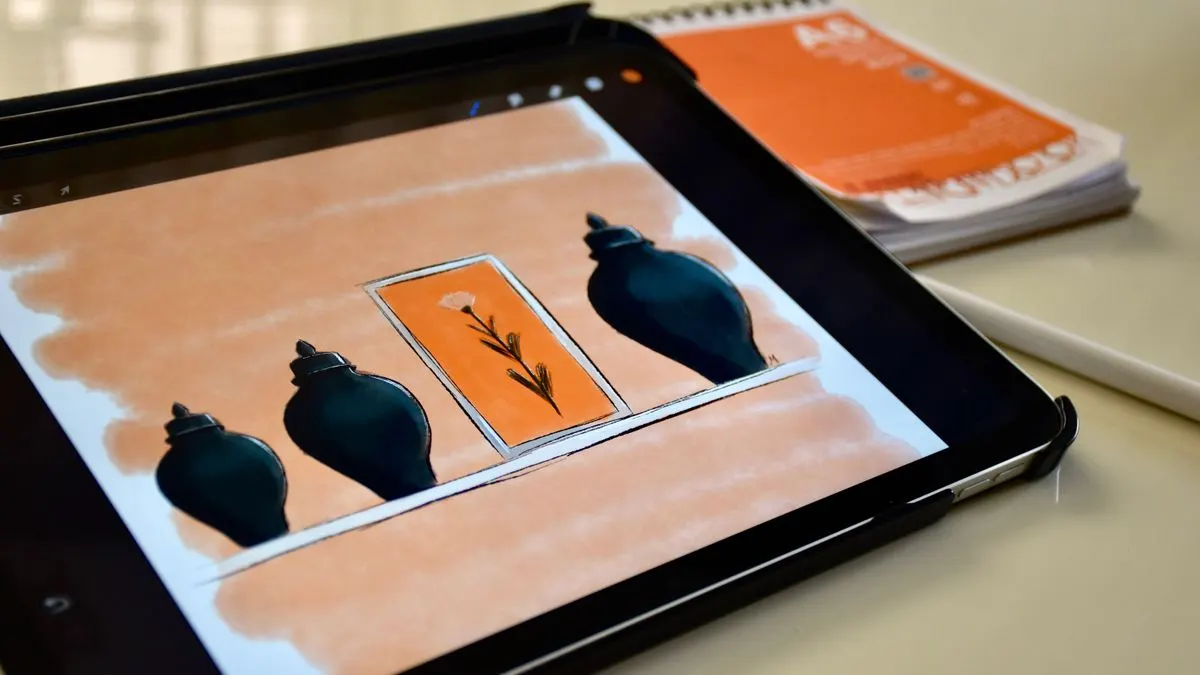
Draw the most important screens on paper. A wireframe is a sketch like that in grey and white: just boxes, buttons and text, without colour or logo. It shows what's on each screen and how you get from one screen to the next.
- Start with the screen the user sees most often.
- For each screen, draw only what's needed for the task.
- Walk through the route: from opening the app to finishing the task. How many taps does it take?
- Note what happens when something goes wrong, such as no internet or a wrong password.
Want it even sharper? Then write a functional design: a document that describes what the app does, screen by screen and feature by feature. Read more in creating a functional design.
Step 4: test your app idea before you build
You can test an app idea without a single line of code. Show your sketches to five to ten people from your target group. Don't ask "do you think this is a good idea?", because you'll get polite answers. Ask instead:
- How do you solve this problem now?
- What does that cost you in time or money?
- Would you use this tomorrow? Why or why not?
- What's missing on these screens?
You can also make a simple landing page that explains your app, with a button to sign up for the launch. If people sign up, that's a much stronger signal than a compliment.
Step 5: set your budget, timeline and approach
Now you know what you want to build. Decide what it can cost and when it needs to be ready. Also think about costs after launch: hosting, maintenance, updates for new versions of iOS and Android and your Apple and Google accounts. Our article on what it costs to have an app built lists the costs involved.
Also decide whether it should be a real app or a web app. If the app needs to be in the stores, send notifications or work offline, an app is the obvious choice. If it's mainly information or a form, a web app is often cheaper.
Common mistakes when developing an app idea
- Packing too many features into the first version.
- Only talking to friends and family instead of real users.
- Being afraid someone will steal your idea and so showing it to nobody. An idea is worth little without execution. If you still want certainty, have people sign a non-disclosure agreement and ask a lawyer for advice.
- Not allowing for maintenance after launch.
- Starting with the design instead of the problem.
Developing your app idea with Violexa
At Violexa we help business owners turn an idea into a working app or web app. We help you decide which features are really needed, create the design and build the app. We'll also tell you honestly when a website or web app is the smarter choice. Read more about having websites and apps built.
A custom app or web application starts from €1,799 excl. VAT (€2,177 incl. VAT). That includes design, development, a design that works on every screen and training. Larger projects get a fixed price in writing up front.
Want to talk your idea through first? Book a free quickscan. In 30 minutes, online or at your location, we go through your idea. Afterwards you get short written advice with a price indication, with no obligation.
Frequently asked questions
How do I start developing an app idea?
Start with the problem you solve and for whom. Then pick the few features that are really needed and sketch the screens. Test those sketches with people from your target group before you start building.
How can I protect my app idea?
You usually can't protect an idea itself. You can have people sign a non-disclosure agreement before you share details. For legal advice on your situation, it's best to ask a lawyer.
Do I need to be able to code to have an app built?
No. You bring knowledge of the problem and your customers, and the developer takes care of the technology. The better you've worked out your idea, the easier and cheaper the build.
How much does it cost to develop an app idea?
That depends on the number of features and whether it becomes a real app or a web app. At Violexa a custom app starts from €1,799 excl. VAT (€2,177 incl. VAT). Larger projects get a fixed price up front.