Free SEO tools already give you, as a business owner, a good picture of how your website is doing in Google. With a few of Google's own tools you can see what you're found for, which pages have problems and how fast your site is. For most small businesses that's enough to find the most important improvements, without a subscription costing tens of euros a month.
Below you'll find the tools that are really worth it, sorted by what you use them for. At the end there's a simple routine, so you know when to look at what.
The basics: free SEO tools from Google itself
Start here. These tools come straight from Google and show how Google sees your site:
- Google Search Console: shows which keywords you appear for, how often people click and which pages aren't in Google. This is the most important free SEO tool. Read the explanation in Google Search Console guide.
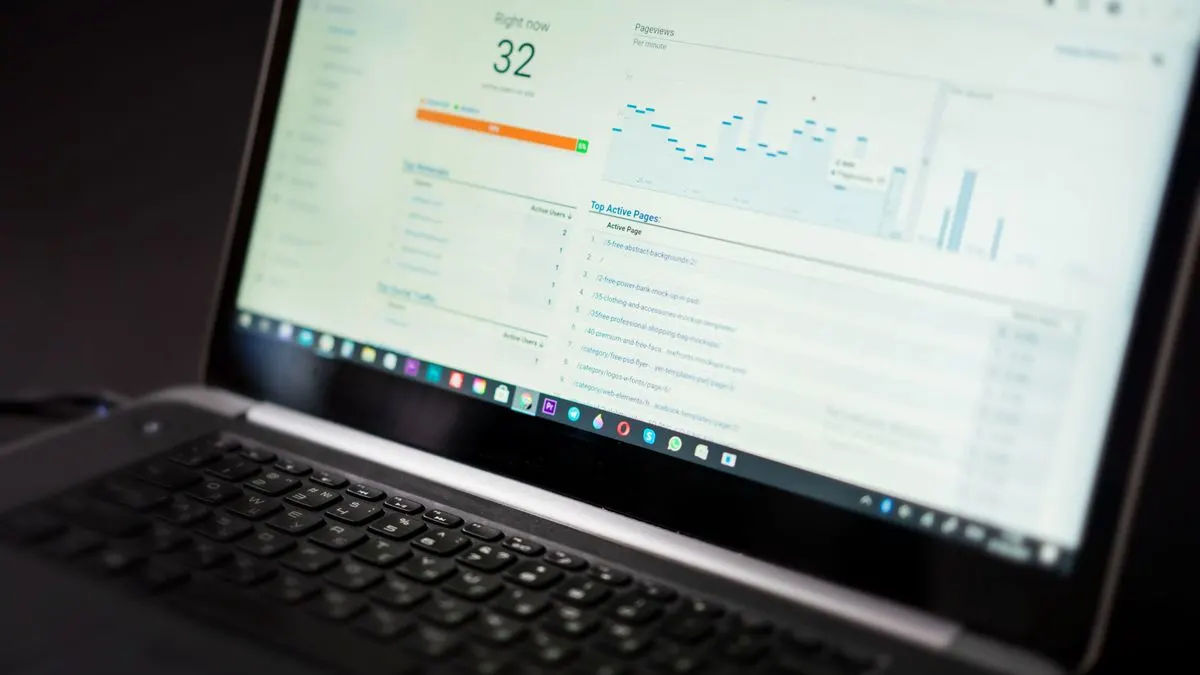
- Google Analytics 4: shows what visitors do once they land on your site. Which pages do they read, and do they get in touch?
- PageSpeed Insights: tests a page's speed and gives you the Core Web Vitals, on mobile and desktop.
- Google Business Profile: not strictly an SEO tool, but essential for local businesses to appear in Google Maps.
- Rich Results Test: checks whether your structured data (extra code for search engines) is set up correctly.
In PageSpeed Insights, focus mainly on the three Core Web Vitals. Google's thresholds for a good score are: LCP (how quickly the largest part of the page is visible) under 2.5 seconds, INP (how quickly the page responds to a click) under 200 milliseconds and CLS (how much the page jumps around while loading) under 0.1. You'll find more explanation in Core Web Vitals explained.
Free tools for keyword research
If you want to know what people search for, you have a few free options:
- Google itself: type a search term and look at the suggestions, the questions under 'People also ask' and the related searches at the bottom.
- Google Trends: shows whether interest in a topic is growing or shrinking, and at which time of year.
- Google Keyword Planner: gives search volumes and ideas. You need a Google Ads account, but you don't have to run an ad. Without an active campaign you often only see broad ranges.
- Search Console: the keywords you already appear for are often the best pointer for new content.
Read how to go from a list of keywords to a plan in doing keyword research.
Free SEO tools for technical checks and speed
- Lighthouse: built into Chrome (via the developer tools) and checks a page's speed, accessibility and SEO basics.
- Screaming Frog SEO Spider: a program that crawls your site the way Google does. It finds broken links, missing titles and duplicate pages. The free version has a limit on the number of pages (an indication; check the current terms), which is plenty for most small sites.
- Bing Webmaster Tools: similar to Search Console, but for Bing. Handy as an extra view, and it can import your data from Search Console.
- Ahrefs Webmaster Tools: a free version for your own verified website, with a technical check and an overview of links to your site (an indication; check the current terms).
If you get lots of red warnings, don't panic. Not every warning is equally important. Our technical SEO checklist helps you find the points that really matter.
Free SEO check: what does a score actually mean?
Many websites offer a 'free SEO check' with a score from 0 to 100. That's handy as a first impression, but be careful. Such a score is based on a fixed list of rules the tool came up with itself. Google doesn't use that score. A site scoring 95 can be hard to find, and a site scoring 70 can rank at the top because its content matches exactly what people search for.
So focus mainly on the concrete points: a missing title, a page that isn't indexed, a slow image. And be wary of free checks that ask for your email address to show the result. Often that's mainly a way to contact you.
When are paid SEO tools worth it?
Paid packages such as Semrush, Ahrefs or similar tools give you more data: competitors' keywords, extensive link profiles and rank tracking. Prices often start at around 100 euros a month (an indication; check the current price). That's worth it if you take SEO seriously, create lots of content or work in a crowded market. For a local business owner with a twenty-page site, the free tools are usually enough.
A simple SEO routine with free tools
Tools only help if you use them regularly. This routine takes you an hour a month:
- Every month: check in Search Console which pages and keywords are rising or falling, and whether there are new error messages.
- Every month: check in Google Analytics 4 which pages lead to contact or enquiries.
- Every quarter: test your most important pages in PageSpeed Insights and run Screaming Frog over your site once.
- Every quarter: update your Google Business Profile and respond to reviews.
- After every big change to your site: check that all pages are still reachable and in Google.
Write down what you see and what you change. After a few months you'll see what works.
SEO help from Violexa
Free tools tell you what's wrong, but not always how to fix it or what to tackle first. That's where we help. Through online marketing we do SEO, Google Ads and social media for businesses across the Netherlands, from €599 excl. VAT (€725 incl. VAT) per month, with no minimum term and cancellable monthly with one month's notice. Every website we build comes with the SEO basics and Google Analytics as standard.
Want to know first how your site is doing? Request a free quickscan. In 30 minutes, online or on site, we look at your visibility together. Afterwards you get short written advice with a price indication, with no obligation.
Frequently asked questions
What is the best free SEO tool?
For most business owners it's Google Search Console. It's free, comes from Google itself and shows which keywords you appear for and which pages have problems. Combine it with Google Analytics 4 and PageSpeed Insights.
How can I check for free whether my website is easy to find?
Connect your site to Google Search Console and see which pages are indexed and what you appear for. Also test your speed with PageSpeed Insights. And search for your main services plus your town name yourself.
Are free SEO tools enough for a small business?
Usually, yes. For a local business owner with a manageable website, Google's free tools give enough insight. Paid tools only become worthwhile if you create lots of content or have to compete with strong competitors.
How do you do keyword research for free?
Use the search suggestions and 'People also ask' in Google, Google Trends and the Google Ads Keyword Planner. Also look in Search Console at the keywords you already appear for. Those often give the best ideas.