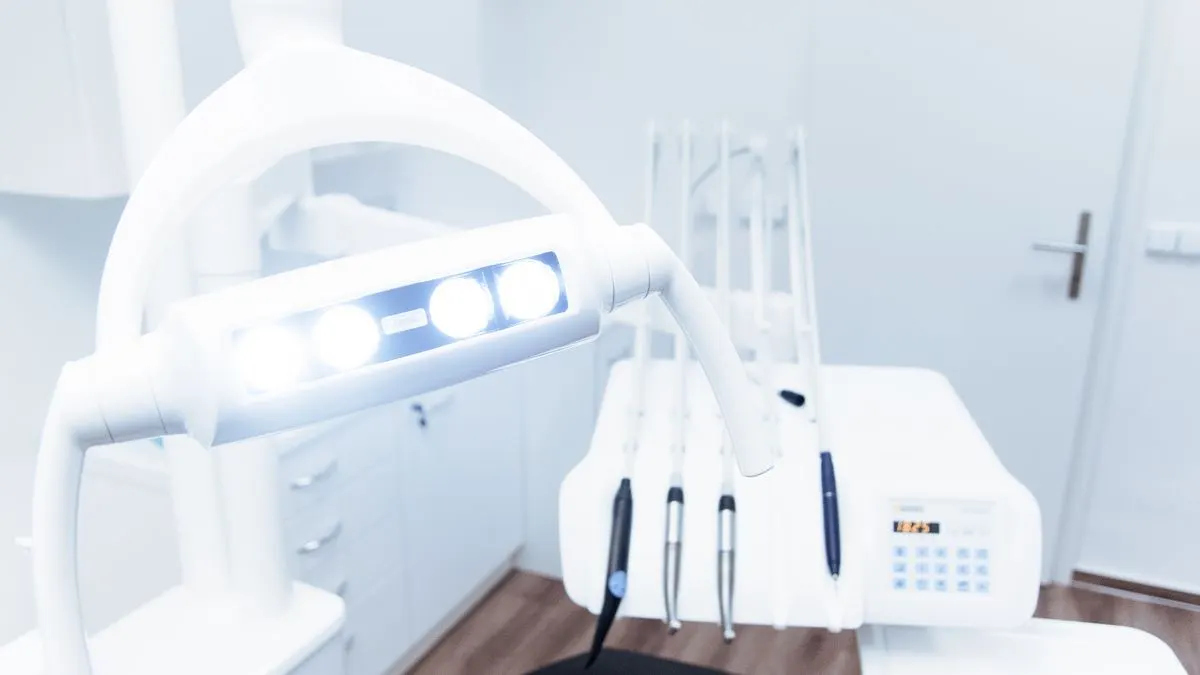

A good dental practice website makes three things easy: registering as a new patient, reaching the practice in an emergency, and knowing what to expect beforehand. Get those three right and you get fewer calls at reception and more patients who walk in feeling at ease.
For many people, a visit to the dentist is nerve-racking. Your website is often the first contact with your practice. This article covers which pages you need, how to handle registration, emergencies, fees and privacy, and which mistakes we often see on dentists' websites.
What do patients look for on a dentist's website?
Most visitors come with a specific question. Those questions shape the structure of your site:
- Is the practice taking on new patients, and how do I register?
- I'm in pain. What should I do, including in the evening or at the weekend?
- Which treatments do you offer, such as implants, orthodontics or dental hygiene?
- What does it cost, and what does my insurance cover?
- I'm scared of the dentist. Do you take that into account?
The most important pages for a dental practice website
- A homepage with your town, a clear emergency button, a button to register and your phone number.
- A page for new patients: are you still taking people on, how does registration work and what happens at the first appointment?
- An emergency page with what to do during and outside opening hours.
- Pages for each treatment, explained in plain language.
- Fees and insurance cover.
- A team page with dentists, dental hygienists, prevention assistants and their registrations.
- Practical information: cancelling, how to reach you, accessibility of the building and parking.
Keep the treatment pages short and concrete. Explain what the treatment is, who it's for, how long it takes, whether it hurts and how recovery goes. End with a button to book an appointment or consultation. A page like that helps patients choose and is also easier to find on Google, for example for implants or teeth whitening plus your town name.
Registering new patients through your website
Many practices sometimes stop taking on new patients. So state at the top of the new patients page whether you're currently accepting registrations. Nothing is more annoying than filling in a form and hearing a week later that there's no space. Make this notice editable through your CMS, so reception can change it straight away.
An online registration form saves reception a lot of time. Only ask for what you really need for registration, such as name, date of birth, contact details and possibly family members. The medical history, the questionnaire about health and medication, is better taken separately and securely, for example through your practice software or at the first visit.
Dental emergencies: make it very clear
Someone with severe toothache on a Saturday evening has no patience for a long search. Put a prominent emergency button on every page. On the emergency page, explain:
- Which number the patient calls during opening hours.
- How the out-of-hours rota works and which number applies then.
- What counts as an emergency, and what can wait until the next working day.
- What the patient can do themselves until they're seen, in simple steps.
Check this information regularly. An outdated emergency number is one of the most annoying mistakes a practice website can have.
Fees, insurance cover and trust
In the Netherlands, dental fees are set by the Dutch Healthcare Authority (NZa). Patients still like to know upfront where they stand. Put your fee list on your site and explain in plain words how cover works: different rules apply to children and young people than to adults, and many adults have supplementary dental insurance. For the exact cover, refer patients to their own policy. Check the NZa's current rules for what you're required to show.
For larger treatments, such as a crown or implant, it helps to say on your site that you provide a cost estimate beforehand. That takes away a lot of worry.
Reassuring anxious patients
Dental anxiety is common. Your website can help lower the barrier. A few ideas:
- Show photos of your real practice and your team. A friendly face helps more than a stock photo of a smiling model.
- Explain how a first appointment goes, step by step.
- Explain how you work with anxious patients, for example with extra time or an introductory chat.
- Use calm colours and plain language. Avoid jargon, or explain it in one sentence.
Common mistakes we see on dentists' websites: an emergency number that's no longer correct, a stop on new patients that isn't mentioned anywhere, only a phone number with no online form, and pages full of jargon. A site that's hard to read on a phone is also a missed opportunity. Most patients search on their phone, especially in an emergency.
Privacy, accessibility and findability
Health data is special category personal data under GDPR (AVG in Dutch). So use secure forms, don't ask for more than you need and don't place advertising trackers on pages with medical forms. If you're unsure about your obligations, ask your professional association or a lawyer, or check the Dutch Data Protection Authority (Autoriteit Persoonsgegevens).
Think about older patients and people with disabilities too: an easy-to-read font, enough contrast and buttons that are easy to tap. More on this in accessible website.
When it comes to findability: patients search locally, for dentist plus town name. Have a complete Google Business Profile and state your town and neighbourhood clearly on your site. You'll find tips in local SEO. If you work with a patient portal or want to automate more around appointments, also look at software for a healthcare practice.
Having a dental practice website built
At Violexa we build calm, clear websites that help patients find their way quickly. Your reception team can update notices, fees and team members themselves through a CMS. A custom website through websites and apps starts from €1,799 excl. VAT (€2,177 incl. VAT), including design, build, a design that works on every screen, basic SEO, Google Analytics and a walkthrough of the CMS.
Want to know what your practice needs? Book a free quickscan. It's a 30-minute conversation, online or at your practice. Afterwards you get short written advice with a price indication, with no obligation.
Frequently asked questions
What should a dental practice website include?
At the very least, information for new patients, a clear emergency procedure, your treatments, fees and insurance cover, your team and your contact details. Keep registration and emergencies within easy reach on every page.
Can new patients register online?
Yes, with an online registration form. Only ask for the details needed for registration and take the medical questionnaire separately and securely. State clearly whether you're currently taking on new patients.
Does a dentist have to put their fees on the website?
Dental fees are set by the NZa and patients must be informed about prices in advance. So put your fee list clearly on your site. Check with the NZa exactly what's required.