
AI document extraction means software pulls the important data out of a PDF, scan or photo by itself, such as an invoice number, amount, date or customer name, and puts it neatly into your system. In the past, OCR only did the first part: recognising text. With AI, the software also understands what that text means.
For many businesses, retyping is still daily work. In this article you'll learn how OCR and AI work together, which documents you can have read automatically, how reliable it is and how to get started.
What is OCR and what does AI add?
OCR stands for optical character recognition, or text recognition. It turns an image of text, such as a scan or photo, into real text a computer can read. Your phone already does this when you copy text from a photo.
Recognising text alone isn't enough. An invoice is full of numbers: which amount is the total, which is the VAT, and which number is the customer number? Classic OCR software used fixed templates per supplier for that. When a new supplier came along with a different layout, it went wrong. AI solves this. A language model reads the document like a person and understands that 'Amount due' and 'Total incl. VAT' mean the same thing, even when they're in a different place.
Which documents can AI read?
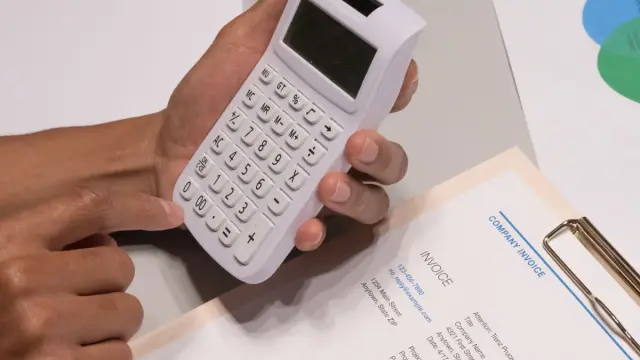
- Purchase invoices and receipts: supplier, date, amounts, VAT and invoice number.
- Packing slips and delivery notes: items and quantities, to check against your order.
- Completed forms, including handwritten ones, such as job sheets or registration forms.
- Quote requests or orders that arrive as a PDF or in an email.
- Contracts: summarising terms, notice periods and amounts.
- CVs and cover letters, although that needs extra care around privacy and fairness.
Invoices are often the best place to start. You can read more about that in processing invoices automatically.
To start, choose a type of document that comes in often and always contains the same data. That way you see results quickly and learn how well it works before adding trickier documents.
How AI document extraction works, step by step
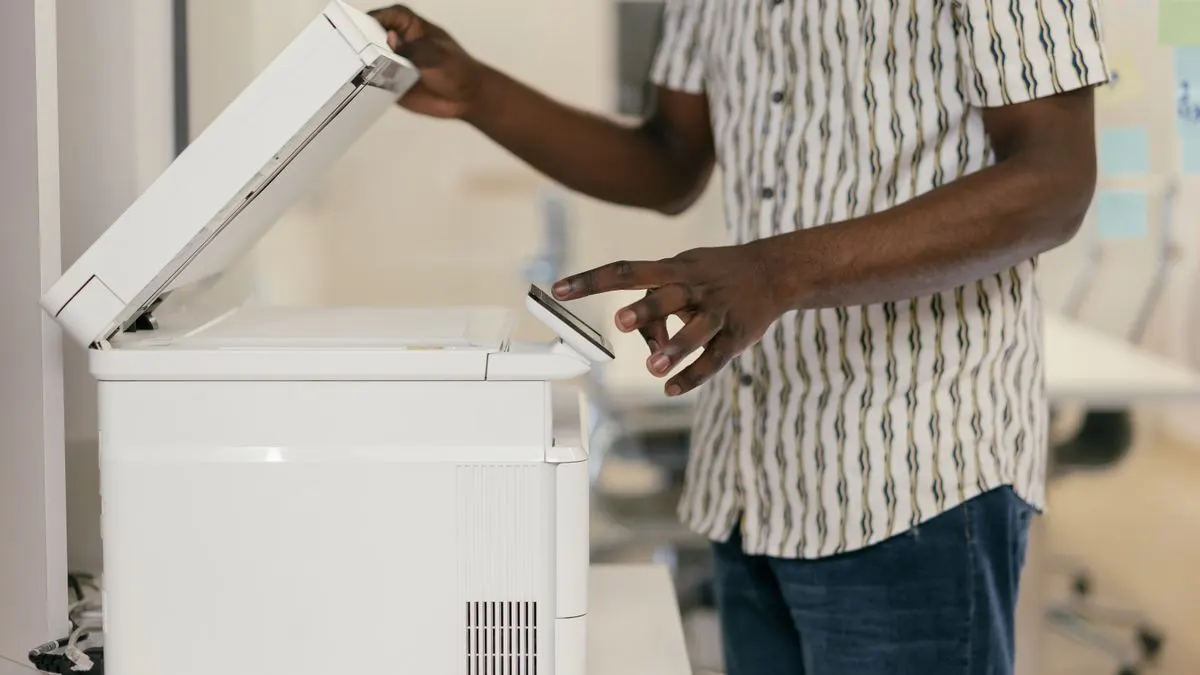
- Receiving: the document arrives by email, upload, scanner or a photo taken with a phone.
- Recognising: OCR turns the image into text. With digital PDFs, the text is often already there.
- Understanding: an AI model extracts the requested data and puts it in a fixed format.
- Checking: the software checks the result, for example whether the total matches the lines and whether the supplier is known.
- Passing on: the data goes to your accounting, CRM or scheduling. Doubtful cases go to a person.
That checking step is important. A good solution shows for each field how certain it is. When in doubt, someone takes a look, instead of a wrong amount quietly ending up in your books.
An example. An installation company still works with paper job sheets. At the end of the job, the engineer takes a photo of the completed sheet with their phone. The AI reads the customer name, address, hours worked and materials used, even when they're handwritten. The data is ready as a draft invoice. If the AI couldn't read a line properly, it gets flagged and the office takes a quick look. Retyping a stack of sheets on a Friday afternoon is a thing of the past.
How reliable is OCR with AI?
With clear digital PDFs it usually works very well. With poor scans, crooked photos, handwriting or documents with lots of tables, it goes wrong more often. The quality depends on:
- The quality of the document: sharp, straight and well lit works best.
- How clearly you describe which data you want and in what format.
- Whether there are checks, such as calculations and comparisons with known data.
- How many different types of documents you have.
So don't count on everything being flawless. Do count on most of the retyping disappearing, with you only reviewing the doubtful cases.
A practical tip: start by improving the source. Ask suppliers for digital PDFs instead of paper invoices, and give your team a scanning app instead of loose photos. The better the document, the less checking afterwards. Always keep the original document alongside the extracted data, so you can look back if your accountant has a question.
Off-the-shelf OCR software or a custom solution?
For invoices and receipts, many accounting packages already have a scanning feature. If you use such a package, try that first. There are also separate document recognition services, which you often pay for per document or per month. Prices vary widely, so compare and check the current price.
A custom solution makes sense if:
- You have your own types of documents, such as job sheets or forms only you use.
- The data needs to go to several systems, for example your scheduling and your accounting.
- You want extra checks, such as comparing a packing slip with the purchase order.
- You process lots of documents and the cost per document with a standard service gets too high.
Privacy and security when extracting data from documents
Documents often contain personal data: names, addresses, sometimes bank details. If you send them to an AI service, GDPR (AVG in Dutch) applies. Choose a provider with a data processing agreement, preferably with storage in Europe, and make sure documents aren't kept longer than necessary. Read more in AI and GDPR. For legal questions, you can turn to a lawyer or the Dutch Data Protection Authority (Autoriteit Persoonsgegevens).
Automated document processing with Violexa
At Violexa we build solutions that read your documents and put the data straight in the right place. We start with a stack of real examples of your documents, so we can see what goes well and where it gets tricky. Then we build the integration, with checks and a clear place for doubtful cases. Take a look at our AI & automation service. A custom solution starts from €1,799 excl. VAT (€2,177 incl. VAT), one-off. Larger projects get a fixed price upfront, on paper.
Want to know how much retyping you could cut? Book a free quickscan. In 30 minutes, online or on site, we look at your documents and systems. Afterwards you get brief written advice with a price indication, with no obligation.
Frequently asked questions
What is OCR?
OCR stands for optical character recognition. It's software that turns text in an image, such as a scan or photo, into real text a computer can read and search.
Can AI read handwritten documents?
Often, yes, especially with clear handwriting. With messy handwriting or poor photos, AI makes mistakes more often. So always have a person check the doubtful cases.
How can I extract data from documents with AI without retyping?
You send the document to a tool that combines OCR and AI. It extracts the data and puts it into your system. First check whether your accounting software has a scanning feature, and choose a custom solution if you have your own types of documents.
How do I get text out of a PDF?
With a digital PDF you can often simply select and copy the text. If the PDF is a scan, you need OCR. If you want to extract specific data such as amounts, AI helps.